How to rock re:Invent 2015, Rodos style
Wednesday, June 10, 2015 Category : AWS, re:Invent, VMworld 0
I confess I am a conference junkie. Not any conference, but the conference that fertilizes the roots of my current IT thinking.
Back in the day this was VMware. I was a VMworld junkie. I think I may have done six in a row. I collected the t-shirts year after year and even blogged about it. I would stay up till 3am recording nightly video summaries of the days events.
Matt asked for any other suggestions. Of course I responded with a career limiting move (CLM) and started tweet bombing him with my deep experience and insight, okay random ideas. Maybe not my finest moment but he was in my wheel house!
So here are my random and not as well thought out additions to Matt's list.
Get there
First stop, just get a ticket and a hotel room booked. This is the hard part. One year I was between two jobs and had to take annual leave, pay for my own flights from Australia to the US, scrounge a conference ticket and beg a spare bed in a friends room. People do more to go and watch a Rugby game, so you can do this for something as amazing as re:Invent.
When it comes to hotels try and stay close to the convention. I once stayed at the other end of the strip in Vegas and it was horrible having to walk back and forwards each day. Its so great being able to quickly visit your room to drop something off or pick something up on the way to something else. This means getting your booking in early.
Try and arrive the day before or even two days before. If you want to play tourist, don't do it after the event, you will be exhausted and just want to sleep. Being adjusted to the timezone and having a bit of R&R before the week of full days and little sleep gives you the best conference experience.
Also register the day before the event. Registration always opens the day before at these things and there is less crowds. Its madness the morning of the first day, no matter how well organized it is.Prepare
There is lots you can do before hand. As Matt says go through the agenda, think about what equipment to bring. I would add to his list business cards (old skill but useful when you are in a hurry and want to pass details). I also don't recommend you bring two laptops!
Bring comfortable clothes and especially shoes, you will be walking a lot! Think about what bag you will carry. You may get a conference bag or you may not. I always prefer my own bag. Ensure you have enough spare room in your luggage for any swag, conference materials or shopping you pick up.
What evening activities will you go to? There is always the exhibition opening which is usually packed and full of people trying to grab swag. If you don't like big crowds and mayhem you may need to skip this one. The conference party is always awesome and not to be missed (I did one year and regretted it). But what other parties are on and can you get an invite? Who are the cool vendors that will be having an event? The more you get into the community the harder this is as there are often multiple on per night and you have to choose or jump from one to another.
Shameless plug for Amazon.com, but this is also something I did before I was an employee. If you live overseas place an order on Amazon.com for all those things you want and get them shipped to the hotel to bring home. I bank up my wish list all year and empty it each trip. You save a lot on shipping and its a bit like Christmas when you arrive. However check with the hotel for extra package handling charges as they can sting you. If you want to bring gifts home for your kids this is a great method, as you are not going to find a lot of gift items around Vegas unless you go to the outlet malls and who wants to do that!Extra activities
There are extra activities that people often miss. The day before the event starts there are Bootcamps. You pay extra for these but they are really worth it, IMHO. They are either half or a full day and are presented by the best subject matter experts from AWS. Bootcamps have a large hands on component. I ran one my first year at re:Invent and I know people who have run them or will be this year. The instructors put a huge amount into making these relevant and worth while, so check them out.
Certifications can be done onsite, what a great time to get your first or that extra AWS Certification. Go and book in and get one out of the way. Past years there has been a certification lounge where you get a private space, a bit of swag and some snacks and power outlets. So its worth being certified.
There are usually a number of Hackathons. I have some friends who went to them last year and I dropped in and they were amazing. If you want to have fun with others and test your skills these and something to check out.
Hands on labs are fun to do. These are run by training and certification and are a great way to quickly get some experience with an AWS Service or a Partner product.Engage
Matt called it out as "The Corridor", meaning have those conversations with people that matter. To me this is one of the most valuable things to do. When you sit at a table for breakfast or lunch, talk to the people at the table. Introduce yourself, ask what people do. Ask why they came, ask what they have learnt. You will gather so many nuggets of information, tips and ideas from these conversations. Get out of your comfort zone and engage with people who are just as obsessed with this stuff as you are.Sessions
People have different approaches to sessions and I have evolved mine over the years. One thing I am positive on is don't miss the keynotes. You want to get in early and get into the main room and not be 15m late and end up in the overflow. You want to experience the vibe, you want to sit with >10,000 other people. You want to live tweet it from in the room!
For the breakout sessions pick what is key to you. Yes they will be recorded and available later online, but you probably will not find the time to do it. Sitting in the sessions gives you time and permission to think about the topic, to digest, to ponder. So go to sessions rather than thinking this is something I can do later. When you are conflicted go to the one that is furthest from your comfort zone or that has a speaker you want to meet. If the session is something you are really familiar with or passionate about you are more likely to watch and digest the recoding afterwards. As Matt mentioned, keep an eye out for those secret ones for new services which may be announced in the keynotes.Exhibition Hall
This will be huge and take you a LONG time to get around. Plan to visit it each day and cover a portion. Go and see the small vendors, see the startups and not just the big guys. Engage with the vendors and find out how they help their customers and if they could help you. If there is no fit between you and them politely move on, but give them a chance.
There should be a part of the AWS stand that has Solution Architects, Support and Training & Certification. Visit each of these. Ask the Solution Architects the hard questions that you have just not been able to figure out. Check in on a support case, or log one, or just say thanks to the support guys. Maybe ask the support people how best to utilize them or the types of cases you can log. Lastly discuss the training and certification options with the team, what should you consider doing?Give Feedback
Amazon and AWS is a customer obsessed company. This is your chance to give feedback. If you see a staff member (check their badge and possibly lanyard color) give them feedback both good and bad. If they cover a particular speciality (training, sales, architecture, support etc) and you have interacted with that group tell them about your experience and how they can do better. If you are talking with someone from a service team or someone who knows something about a service (bootcamp instructor or assistant, lab assistant, breakout speaker) then give them feedback on that specific service. Approximately 95% of all those features that AWS releases are based on customer feedback. Staff will be super keen for this feedback and will really appreciate you taking the time.Hope that helps with some of your re:Invent preparation. If you have your own ideas you may want to leave a comment on this blog entry, hit me and Matt on Twitter or contact Matt (see his post).
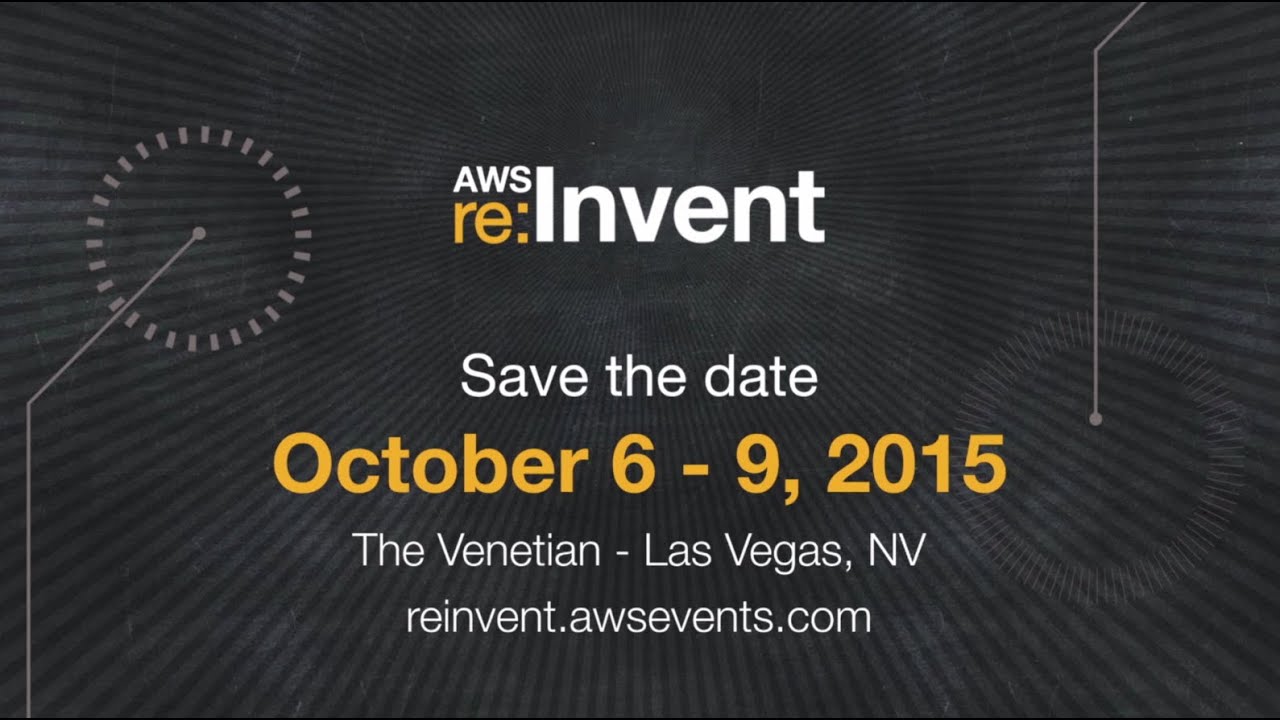
AWS Re:Invent 2015 is taking place at The Venetian in Las Vegas from 6th to the 9th October. Registration is now open. If you go, see if you can bump into me and say hello, that would be awesome!
Rodos


